NextGen Automation helped West Coast Windows standardise office computers, upgrade its server and simplify IT support. The relationship later expanded to a printer upgrade matched to its needs.
About West Coast Windows
Based in Delta, British Columbia, West Coast Windows designs, manufactures and installs custom vinyl windows and doors. Established in 1976, the BC-owned business serves renovation and new-construction customers.
Behind that work is an office team coordinating the information, decisions and day-to-day tasks that keep the business moving. Technology support needs to fit that team’s responsibilities and budget.
The challenge: IT responsibilities competing with financial work
After an employee left, IT responsibilities fell to Controller Rachel Charles. Everyday computer and email problems interrupted her work, while the business needed a more standardised technology setup.
Our approach: prioritise upgrades and simplify support
We assessed the existing environment and planned improvements around the business’s priorities and budget. Our managed IT services included:
- Installing a replacement server and standardising office desktops.
- Backing up data during the implementation.
- Providing a support team for everyday IT issues.
The approach allowed important upgrades to move forward, with further improvements introduced over time.
The results: more time for the controller’s core work
Rachel described a more streamlined setup, with staff taking IT questions to our support team. She could spend more time on higher-value responsibilities.
“It definitely freed up my time to do other, higher value things.”
Extending the relationship to print
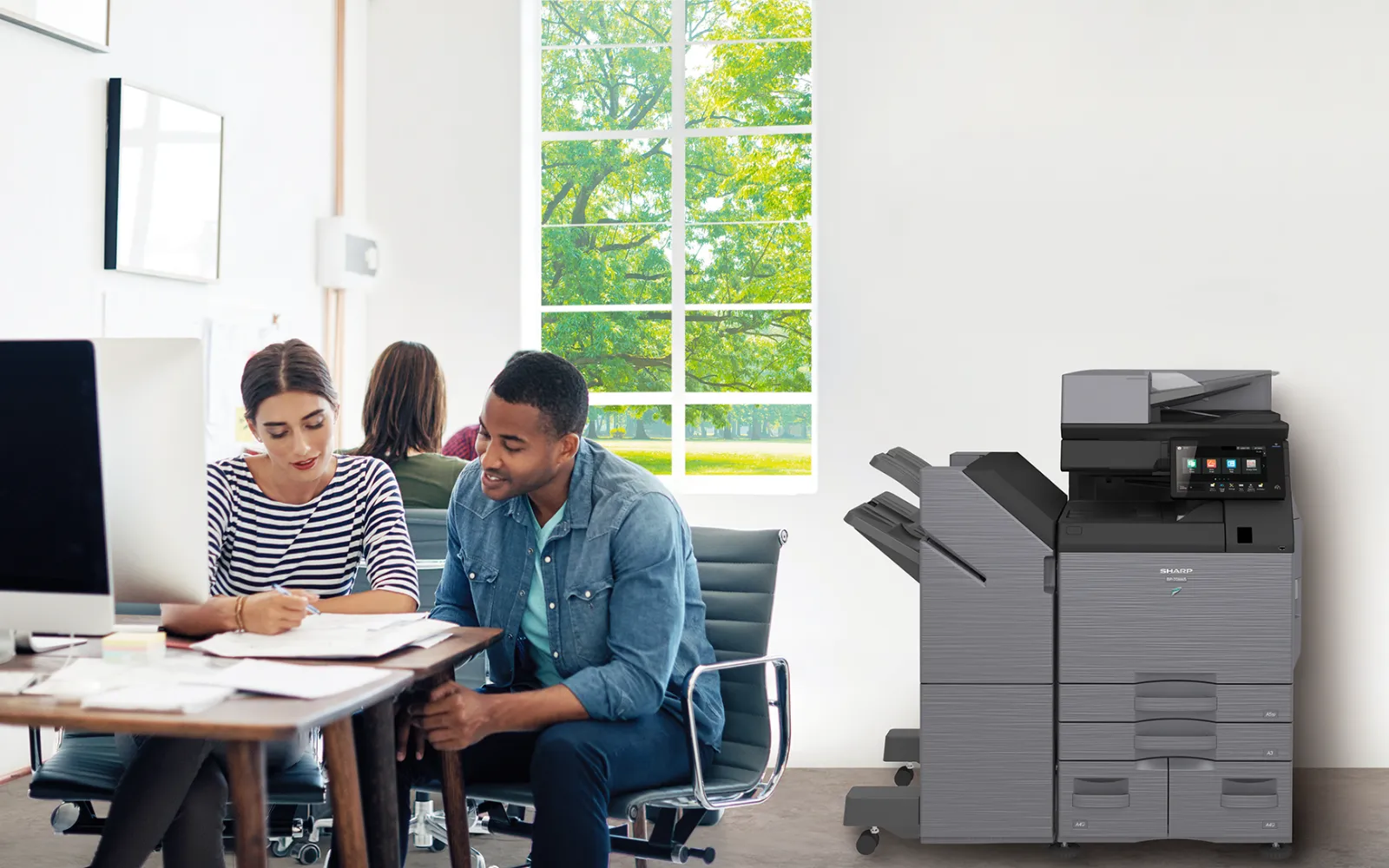
When the business later upgraded its multifunction printers, Rachel turned to our managed print team. We recommended a smaller machine suited to its printing requirements.
That experience illustrates a useful question for any equipment decision: does the proposed solution match how your people actually work?
How should manufacturers prioritise IT upgrades?
Start with the technology your people depend on and the issues that repeatedly interrupt their work. Ask a provider to explain which changes need attention first, what can be planned for later and how support will work after installation. A clear sequence makes it easier to assess the investment against your operational needs.
Related resources for manufacturers
- IT and office technology for manufacturers
- Hardware and software procurement
- Helpdesk support
- More NextGen case studies
Your team has a business to run. We’ll handle the technology.
Talk to NextGen about managed IT, equipment upgrades and print support.