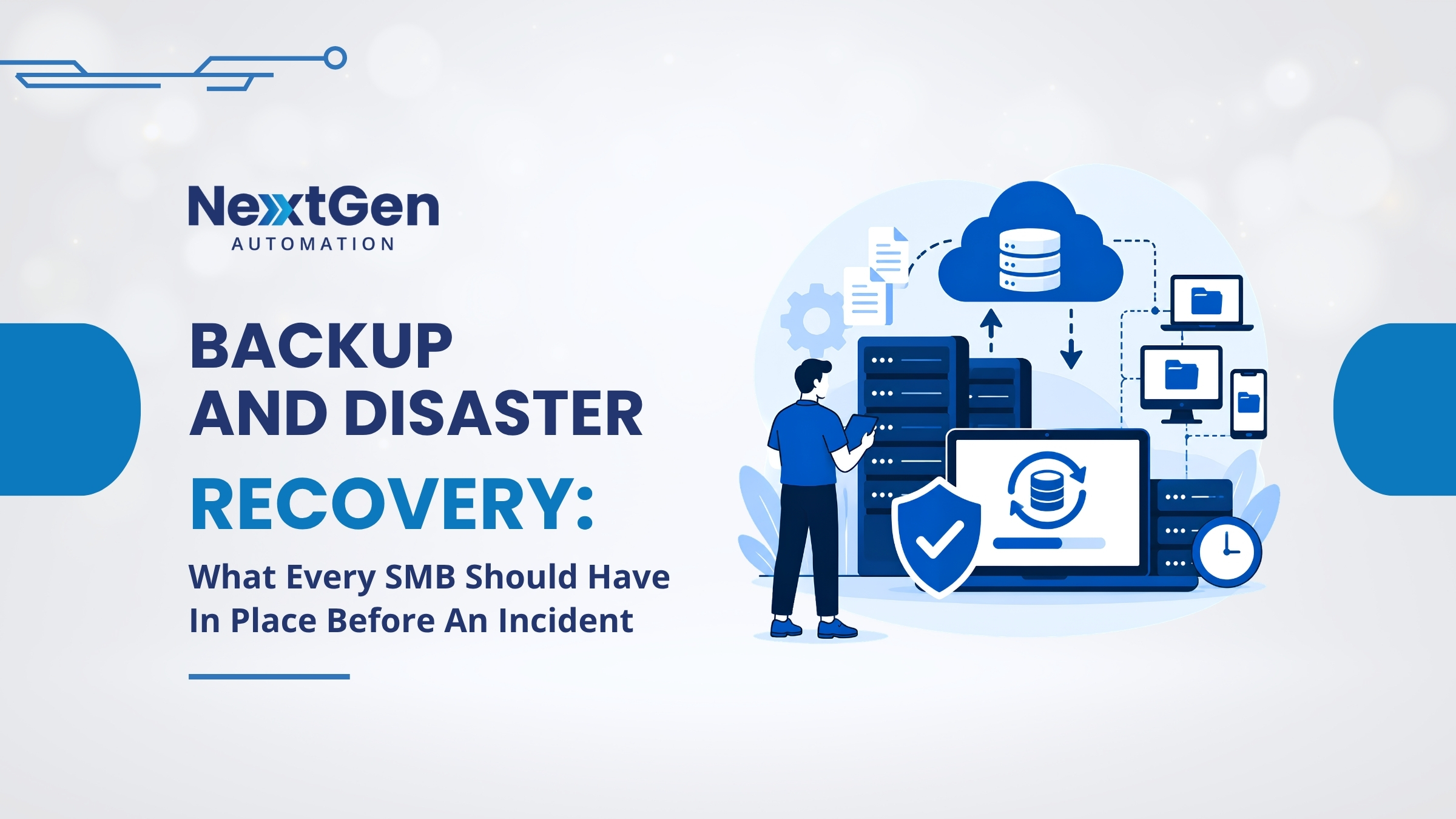
Every small business owner nods along when someone mentions backups. Very few can tell you when their last restore test actually worked. That gap — between believing you are covered and being covered — is where most disasters do their real damage. Solid backup and disaster recovery for small businesses is not about buying one product. It is a tested plan that assumes something will break, then keeps the business running when it does. The Canadian Centre for Cyber Security lists ransomware and system failures among the top disruption sources for Canadian small businesses.
Backup Frequency Should Match the Risk
The right backup cadence depends on how much data you can afford to lose. A retail business logging transactions every minute needs continuous protection, while a small services firm might be fine with daily snapshots. Whatever cadence you pick, the schedule needs to actually run — not just exist in a settings screen. Well-designed business disaster recovery services handle scheduling, verification, and offsite copies automatically.
Restore Testing — The Step Everyone Skips
A backup you have not tested is a hope, not a plan. Ransomware, silent corruption, and misconfigured jobs all fail quietly for months until you desperately need the data. Real recovery programs schedule regular restore tests, document the results, and adjust as the environment changes. Pair that with strong endpoint protection services and ransomware protection solutions, and your position when something goes wrong improves dramatically.

Coverage Across Every Layer
A modern recovery plan protects every layer — laptops, servers, cloud applications, and the identities that connect them. Cloud copies add geographic separation, so an incident at your office does not take your data with it. Endpoint coverage catches ransomware that starts on a user’s laptop before it spreads. A well-managed network service keeps backup jobs running on schedule.
Business Continuity Is Bigger Than Backups
Backups get your files back. Continuity planning gets your business running — failover procedures, contact trees, alternative communication paths, and clear roles for the first hour of an incident. An IBM report shows prepared organisations recover far faster and at lower cost than those improvising in the moment.
Build a Recovery Plan You Would Actually Trust
If you are not sure whether your current setup would hold up, let us find out together. We will review your backups, run real test restores, and build a plan that keeps your business running when something inevitably goes sideways. Reach out to NextGen Automation — we would love to help.
FAQs
1. How often should a small business back up its data?
It depends on how much data you can afford to lose. Most small businesses land between hourly and daily backups for their critical systems, with continuous protection for transaction-heavy workloads.
2. What is the difference between backup and disaster recovery?
Backups are copies of your data. Disaster recovery is the tested plan for restoring the business to full operational status after an incident — restoring systems, applications, and access, not just files.
3. Do we still need backups if we use Microsoft 365?
Yes. Microsoft protects the platform, but retention and recovery for your specific data are your responsibility. Third-party backup for Microsoft 365 is now considered standard practice.
4. How long should a full recovery take?
It depends on the size and complexity of your environment. A small business with a tested plan can often be back to core operations within hours; without a plan, recovery routinely stretches into weeks.
5. What is the first thing to fix if we have almost nothing in place?
Start with an automated offsite backup for your most important systems and schedule a real restore test within 30 days. That single move meaningfully changes your recovery position.