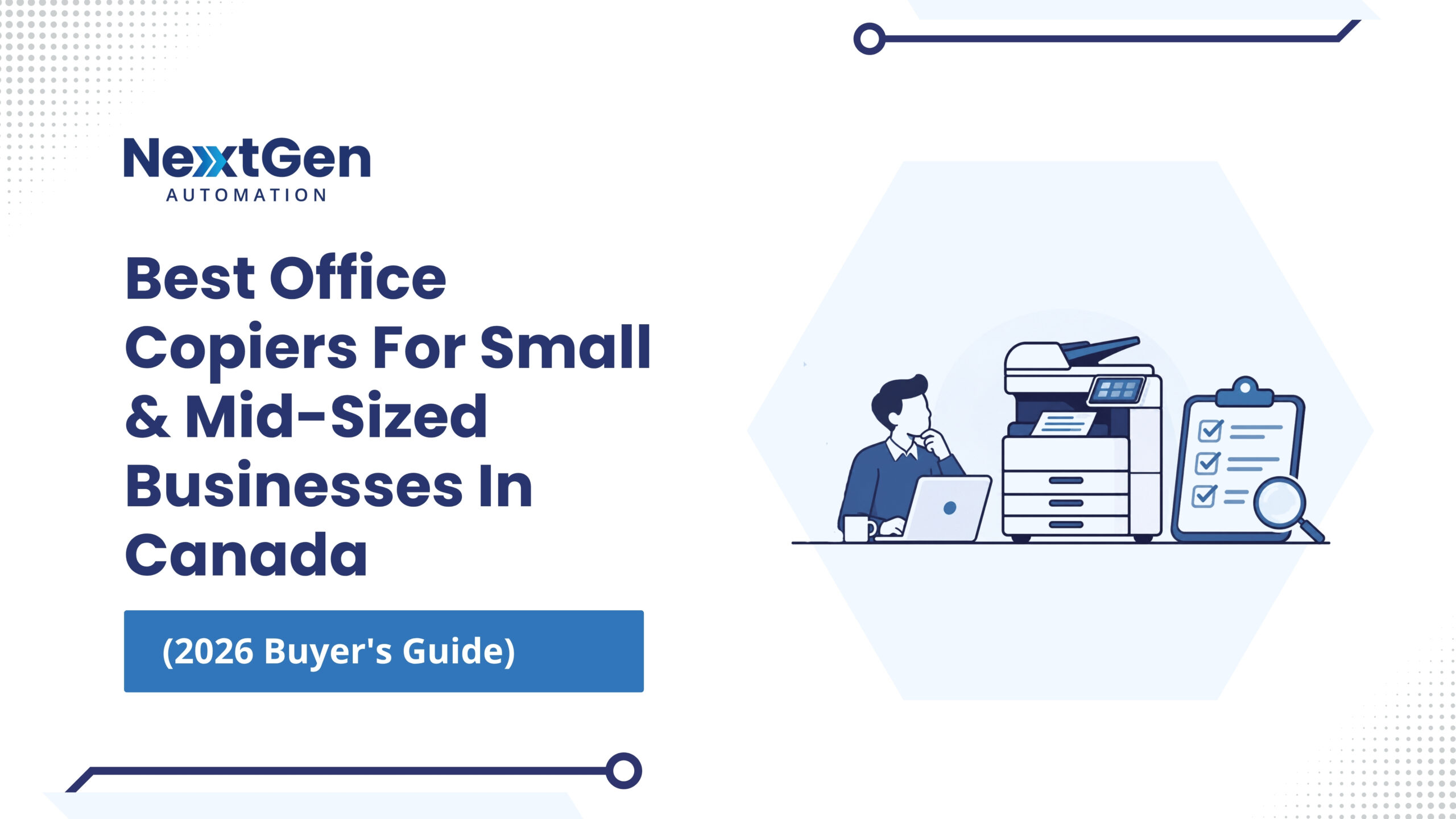
Choosing an office copier in 2026 involves more than comparing a few models and looking at the price tag. A copier may become one of the most frequently used pieces of equipment in your workplace, handling printing, copying, scanning, document sharing, and other everyday workflows.
For a small or mid-sized business, the right device needs to match how your employees actually work. Print volume, speed, colour requirements, scanning, security, finishing, connectivity, service, and long-term operating costs all deserve consideration.
When businesses ask us about the best office copiers for small businesses in Canada, we start by looking at their actual requirements rather than recommending a device based on specifications alone.
Start With Your Monthly Print Volume
How much your business prints should influence the type and capacity of copier you choose.
A small office printing a few thousand pages each month may have very different requirements from an accounting firm, construction company, healthcare organization, or engineering firm producing much higher volumes.
We look at expected monthly volume, the number of users, document types, locations, and how the equipment will be used before recommending a copier. This helps prevent businesses from paying for capabilities they don’t need or choosing equipment that will be pushed beyond its practical workload.
Consider Speed and Productivity
Copier speed is measured in pages per minute (PPM). A faster machine can make sense when several employees regularly send large print jobs or when documents need to be produced quickly.
However, the fastest available device isn’t automatically the right choice.
Consider when your busiest printing periods occur, how many employees share the machine, and whether printing delays are currently affecting productivity. For many businesses, choosing equipment that comfortably handles normal workload is more useful than paying extra for speed that rarely gets used.
Look Beyond Printing
Modern office copiers are often multifunction devices that combine printing, copying, scanning, and other capabilities.
If employees regularly scan invoices, contracts, forms, or other documents, scanning performance can be just as important as printing speed. Look at features such as automatic document feeders, duplex scanning, scan-to-email, cloud connectivity, and integration with existing workflows.
We also help businesses connect printing with document management solutions, making it easier to move information from physical documents into digital workflows.
Don’t Overlook Security
Network-connected copiers can process and store business information, which means security needs to be part of the purchasing decision.
Look for features such as user authentication, secure print release, access controls, encrypted storage, and secure network communication. These features become particularly important for organizations handling financial information, customer records, legal documents, healthcare information, or other sensitive material.
Our Managed Print Services can also help businesses improve security across their print environment through device configuration, monitoring, and access controls.
Think About Finishing Requirements
Different businesses have different finishing needs.
Depending on your workflow, you may need stapling, hole punching, sorting, booklet creation, or other finishing options. A professional services firm producing client packages may have different requirements from a business that mainly prints internal documents.
Understanding what employees actually produce can help determine whether these features are worth including.
Compare Buying, Leasing, and Ongoing Service
The purchase price is only one part of copier ownership. Businesses should also consider toner, maintenance, repairs, parts, supplies, service, energy use, and eventual replacement.
For some organizations, a multifunction printer for lease can make sense because it spreads equipment costs over time and may make budgeting easier. Others may prefer purchasing equipment outright.
We offer copier and printer options along with ongoing service and support, so businesses can evaluate equipment and its long-term operating requirements together.
Consider Managed Print Services
If your organization manages several printers or copiers, keeping track of supplies, service requirements, usage, and costs can become another administrative task.
Our managed print services provide ongoing oversight of the print environment. We can assess device usage, monitor equipment, manage supplies, coordinate maintenance, provide reporting, and identify opportunities to improve efficiency. Automated toner replenishment can also help prevent employees from discovering an empty cartridge when they need to print an important document.
We focus on matching equipment to actual business needs and supporting that equipment after installation. Our copier and printer process considers users, monthly volume, document types, locations, security requirements, future growth, performance, and total cost.
Contact us to discuss your copier requirements or explore our printer and copier solutions. We can also help you determine whether managed print services could simplify your print environment and give you better visibility into ongoing costs.
FAQs
How do I choose the right office copier for my business?
Start with monthly print volume, number of users, colour requirements, scanning needs, document types, security requirements, finishing options, available space, and your expected growth. We can review these factors with you before recommending equipment.
Is it better to buy or lease an office copier?
It depends on your budget, cash-flow preferences, expected usage, and equipment plans. Leasing can spread costs over time, while purchasing may make sense for businesses that want to own equipment for the long term.
How often should an office copier be replaced?
There isn’t one replacement schedule for every business. Print volume, equipment condition, repair frequency, operating costs, security capabilities, and changing workflow requirements can all indicate when an upgrade makes sense.
Can Managed Print Services work with existing copiers?
In many cases, yes. We assess existing equipment to determine whether it can be optimized or whether replacing certain devices would make more sense. Our goal is to build a print environment around actual usage rather than replacing equipment unnecessarily.