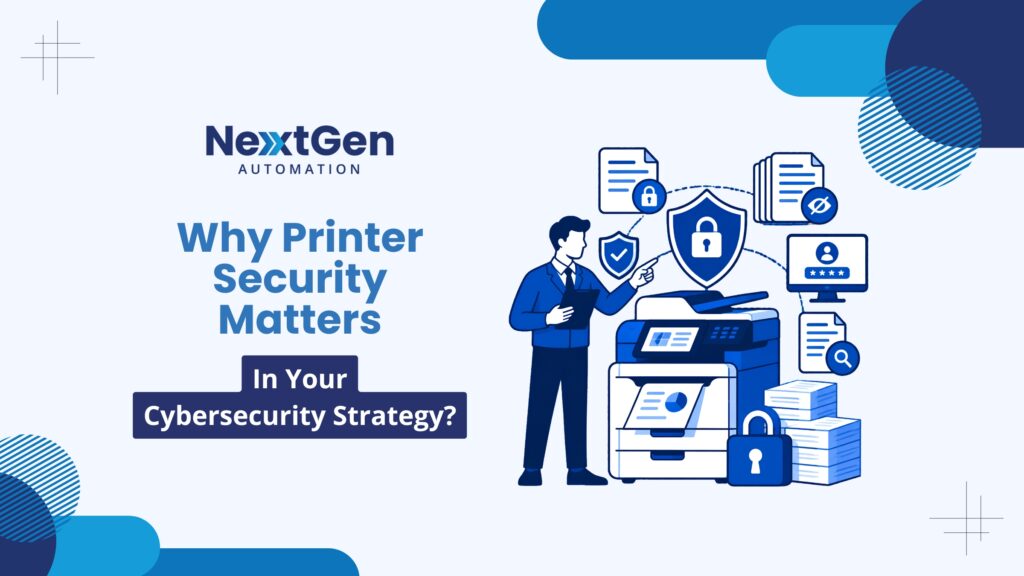
When businesses think about cybersecurity, firewalls, antivirus software, and email filters usually come to mind first. Printers rarely make the list—yet they should. Print security for businesses is one of the most overlooked vulnerabilities in a modern office environment. Networked printers store data, transmit files, and connect directly to your infrastructure—making them a legitimate attack vector. At NextGen Automation, we help organizations across Western Canada close this gap before it becomes a costly incident.
The Hidden Risks of Office Printers
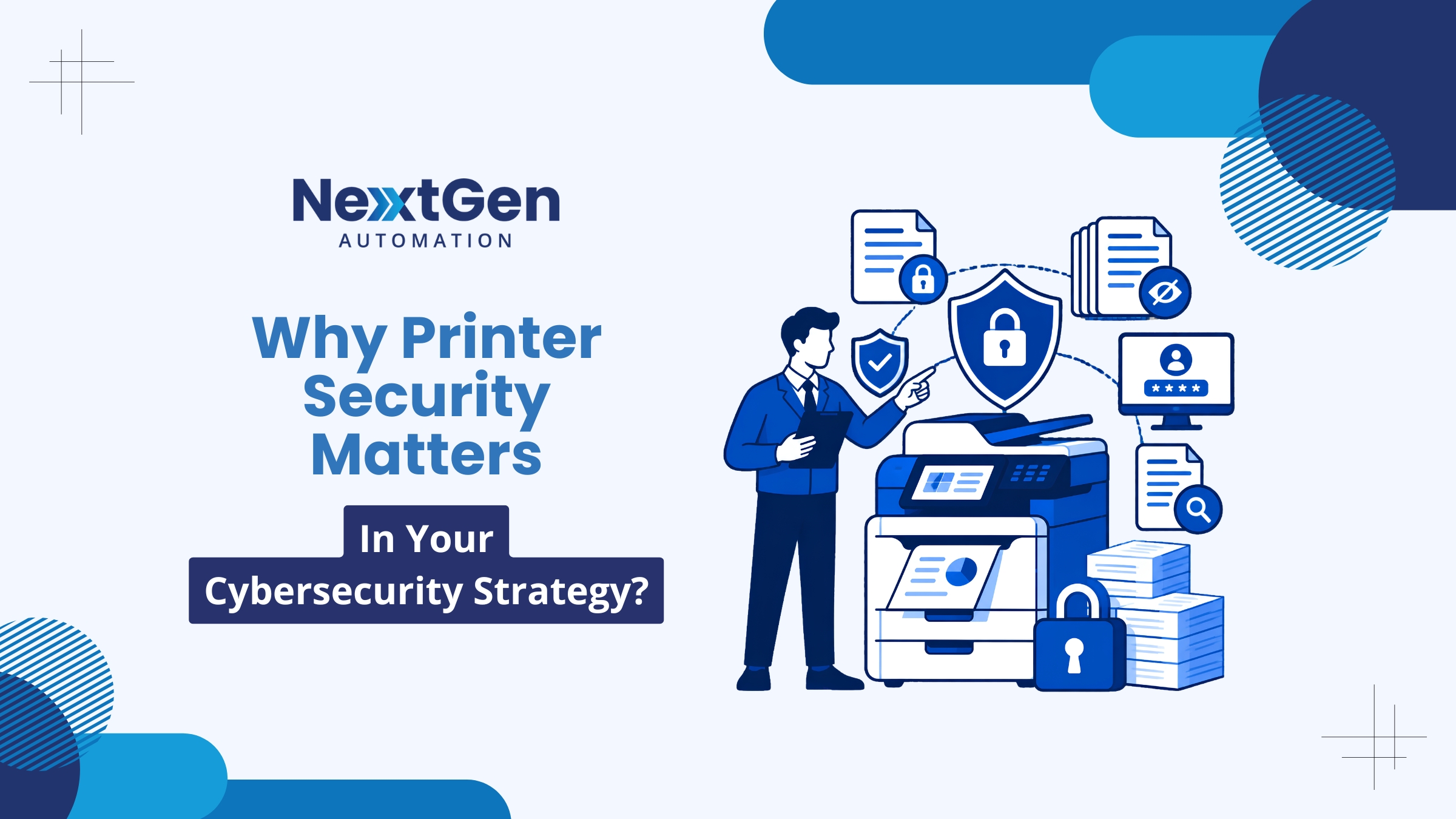
Modern multifunction printers (MFPs) are essentially networked computers. They have hard drives, operating systems, and open network ports. Without proper configuration and security policies, they can expose your business to:
- Data interception: Unencrypted print jobs can be captured on the network
- Hard drive data retention: Printers store copies of printed, scanned, and faxed documents
- Unauthorized access: Default passwords and open ports allow attackers to access the device
- Lateral movement: A compromised printer can be used as a stepping stone into your broader network
- Exposed output trays: Confidential documents left uncollected are a physical security risk
Why Print Security Is Part of Cybersecurity
The Cybersecurity and Infrastructure Security Agency (CISA) classifies networked printers as endpoint devices—and endpoint security is a critical layer of any defense-in-depth strategy. Just like laptops and mobile devices, printers must be managed, patched, and monitored.
This is where managed print solutions and managed print services make a real difference. Rather than treating printers as standalone appliances, a managed approach integrates them into your broader IT security framework.
Practical Steps to Improve Print Security
1. Change Default Credentials
Out-of-the-box, most printers use default admin usernames and passwords that are publicly documented. Changing these immediately upon deployment is a basic but essential step.
2. Enable Encrypted Print Jobs
Ensure your printers support and enforce encrypted communication (TLS/SSL) for all print jobs sent over the network. This prevents data interception between workstations and the device.
3. Implement Pull Printing
Pull printing (also called follow-me printing) holds jobs in a secure queue until the user authenticates at the device—preventing sensitive documents from sitting uncollected in output trays.
4. Regular Firmware Updates
Printer manufacturers release firmware updates that patch known vulnerabilities. Part of a strong managed print services Edmonton or Calgary strategy includes keeping all device firmware current.
5. Network Segmentation
Place printers on a separate network segment or VLAN to limit their access to core business systems. If a printer is compromised, segmentation contains the damage.
6. Disable Unused Ports and Protocols
Review each device’s open ports and disable any that are not required. Unnecessary services—like FTP or Telnet—are common attack vectors.
Document Security Beyond the Printer
Print security extends beyond the device itself. Document management solutions play a critical role in controlling how files are stored, shared, accessed, and disposed of. A comprehensive document strategy includes digital access controls, retention policies, and secure destruction of physical and digital records.
Our team at NextGen Automation integrates printer security with broader document management solutions, ensuring that your document lifecycle is protected from creation to disposal.

The Role of Managed Print Services
Many businesses don’t have the in-house expertise or bandwidth to manage print security proactively. That’s where managed print services and business printer solutions from NextGen Automation come in. We monitor your entire print environment, enforce security configurations, manage firmware updates, and provide reporting—so your team can focus on the work that matters.
We serve businesses in Calgary, Edmonton, Victoria, Nanaimo, and across Western Canada with tailored managed print solutions that align with your security and compliance requirements.
Contact us now. Our team is ready to assess your print environment and build a security plan that fits your business.
Frequently Asked Questions
Are printers really a cybersecurity risk?
Yes. Modern networked printers are endpoint devices with hard drives, operating systems, and open ports. Without proper security configuration, they can be compromised and used as entry points into your network.
What is pull printing and why does it matter?
Pull printing holds print jobs in a secure queue until the user authenticates at the device. This prevents sensitive documents from sitting unattended in output trays—reducing the risk of unauthorized access to confidential information.
How often should printer firmware be updated?
Firmware should be updated as soon as patches are released by the manufacturer—typically every few months. Managed print services providers like NextGen Automation handle this automatically as part of ongoing device management.
Can my managed print provider handle printer security?
Yes. A managed print services provider monitors your fleet, enforces security configurations, updates firmware, and provides access controls. NextGen Automation offers this as part of our managed print solutions across Western Canada.