
How Auto Toner Works
Meet PrintAnista, the tool behind your automatic toner.
PrintAnista is a small, secure tool we set up on your network. It checks your printers’ toner levels and page counts and sends them to our team.
That’s how we know when to ship toner, and how we get accurate meter readings for your bill, without anyone in your office having to do it.
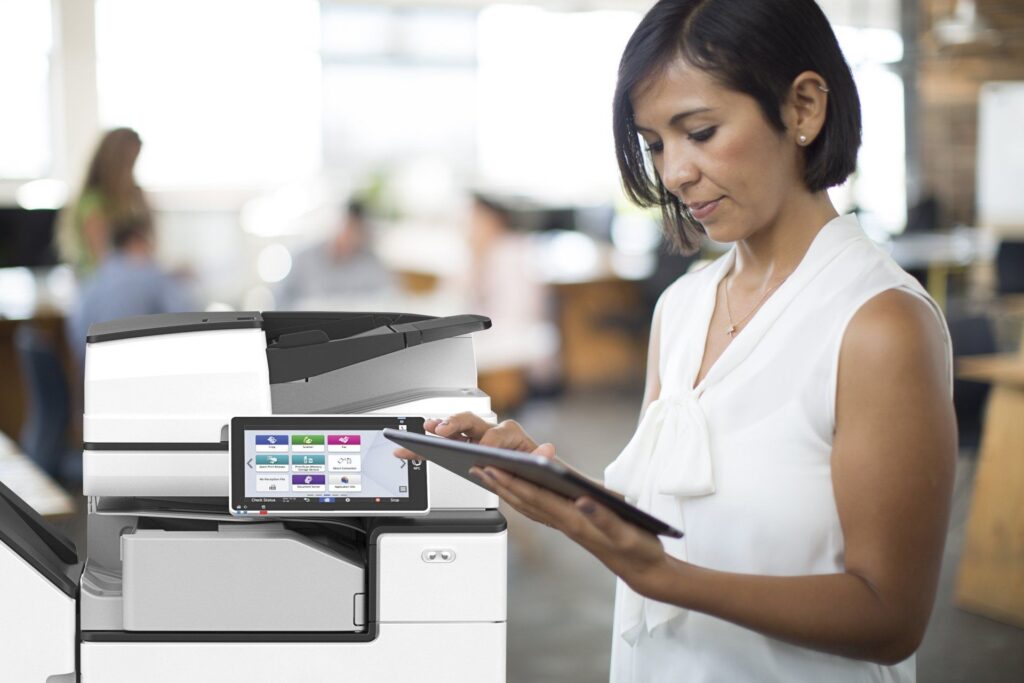
What PrintAnista Keeps Track Of
Four things it watches for you, so your team doesn’t have to:
Toner Levels
Knows when each cartridge is getting low, so a replacement ships before you run out.
Page Counts
Sends your meter readings to us automatically, so your bill reflects what you actually printed.
Service Alerts
Flags paper jams and error codes to our technicians, so problems get fixed sooner.
Printer Data Only
Reads printer information like toner levels and page counts. It doesn’t see the documents you print or scan.
Printer Disconnected? Here’s What to Do
1. Contact Us
Call 1-888-594-9499 or email us at
yourdcahelp@nxga.ca
2. We Reconnect It
Our team gets your printers connected to PrintAnista again.
3. Back to Automatic
Toner orders and page counts go back to running on their own.
HOW IT WORKS
Three Simple Steps
Your printer keeps an eye on its toner
It lets us know automatically
We ship toner before you run out
Printer Not Getting Toner?
Whether a printer needs reconnecting or you just have a question about your supplies, our team will sort it out.
What You Get With Automatic Toner
When your printers are connected, everything happens in the background:
- Toner ships automatically. We’re notified when it’s running low, so a replacement is on its way.
- You don’t have to order. We’re notified automatically.
- Accurate bills. Page counts reach us directly, so you pay for what you printed.
- No manual meter reads. Nobody has to check the counter.
- Faster fixes. Our technicians often see printer errors before you call.
Frequently Asked Questions
Toner Questions We Hear Often
Do I need to do anything for automatic toner to work?
No. Once your printers are connected, toner levels and page counts reach us automatically and we take it from there. You just swap the cartridge when it arrives.
What is PrintAnista?
PrintAnista is the monitoring tool we use to keep track of your printers’ toner levels, page counts and error alerts. It runs quietly on your network. If your IT team sees it, it’s ours and it’s supposed to be there.
Can it see what I print or scan?
No. It only reads printer information, like toner levels, page counts and error codes. It doesn’t see the content of your documents.
Why did my toner stop arriving automatically?
The most common reason is that the printer has lost its connection to our monitoring tool, so we’re no longer seeing its toner levels. Contact us and we’ll get it reconnected.
Why does my invoice say “estimated”?
If we can’t get an actual page count from your printer, we use an estimate for that billing period. Once the printer is reconnected, your readings go back to actual counts.
Who do I contact about toner or my printer?
Reach our team through our contact page or call 1-888-594-9499. Tell us your company name and which printers you have, and we’ll take it from there.
Do you have more questions?
We’re here to help
What Our Customers Say
“The service at NextGen Automation was the best! We were amazed at how quickly the technician was here and had everything going again for us. Thank you so much. I have tried other products that worked fine, but this one is certainly the best of them all. It brings efficiency to a new level of simplicity.”
“NextGen Automation makes it easy. Whether it be machine maintenance or toner orders they are a quick call away and very efficient!”
Let Us Handle the Toner
Questions about toner, page counts or reconnecting a printer? Our print team is here to help.
Printing Should Be the Easy Part
Nobody wants to check toner levels, order cartridges or walk around the office reading page counters. Without automatic monitoring, these small jobs land on someone’s desk and get forgotten until a printer stops working.
- Running out of toner in the middle of a busy day
- Calling or emailing every time you need a cartridge
- Guessing which printer needs which toner
- Reading page counters by hand for billing
- Bills based on estimated page counts
- Printer problems you only hear about when someone complains
Automatic toner takes all of this off your plate.